

julia_slgr
Best Knitting App! The app really ticked off all of my wishes! The constant updates make the app even better. If you are looking for a great knitting companion- give LooseLoop a try!
The all-in-one crafting app that simplifies patterns, tracks projects and organises your stash.

Best Knitting App! The app really ticked off all of my wishes! The constant updates make the app even better. If you are looking for a great knitting companion- give LooseLoop a try!
I absolutely love this app. It’s so useful, well designed and the guide section is incredible. It could not read one of the pdf patterns I had but I used the guide to build it myself and it is the best thing ever!
Amazing app for knitters. Super handy for counting stitches and love that you can add friends!
Obsessed with the app it’s such a game changer, fully addicted to adding more patterns 🥲❤️❤️
Best way to follow increase and decreases in a pattern without getting lost 💙
LooseLoop is a game changer! Counting and keeping track of everything just got so easy!!
The Smart Pattern Guide turns long, confusing PDFs into a clear, step-by-step path — showing only the instructions in your size. Never lose your place, ditch the endless scrolling and scribbled notes, and watch even the trickiest patterns start to feel easy.
Store every pattern, track every project, and catalog every skein, needle, and hook in one organized library. See what's on the needles, what's queued, and what's finished — and carry your whole stash in your pocket. Automatically check whether you've got enough yarn for your next project, see which needle sizes you already own, and never buy a duplicate again. No more WIPs, favourite patterns, and supplies scattered across folders, links, and notebooks.
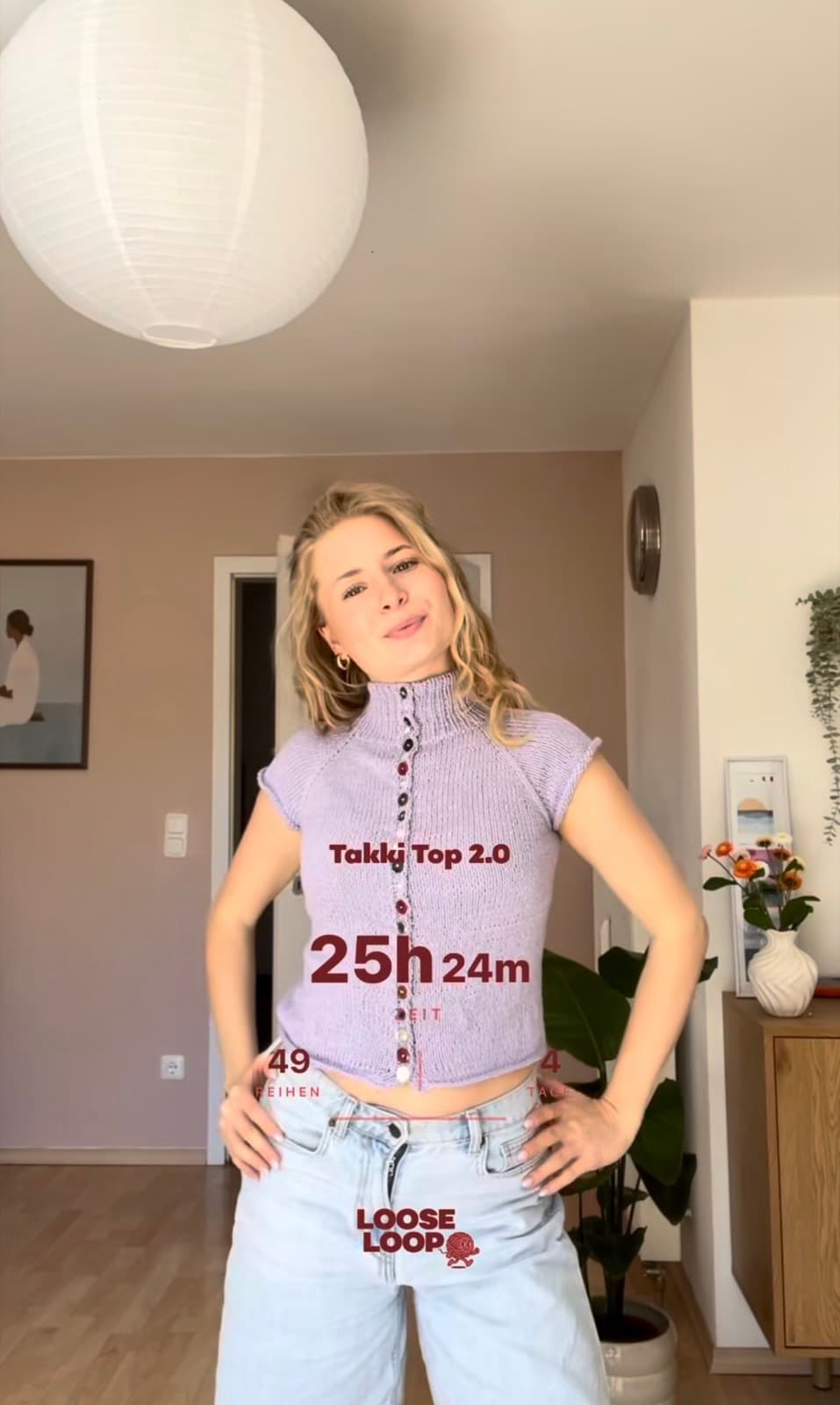
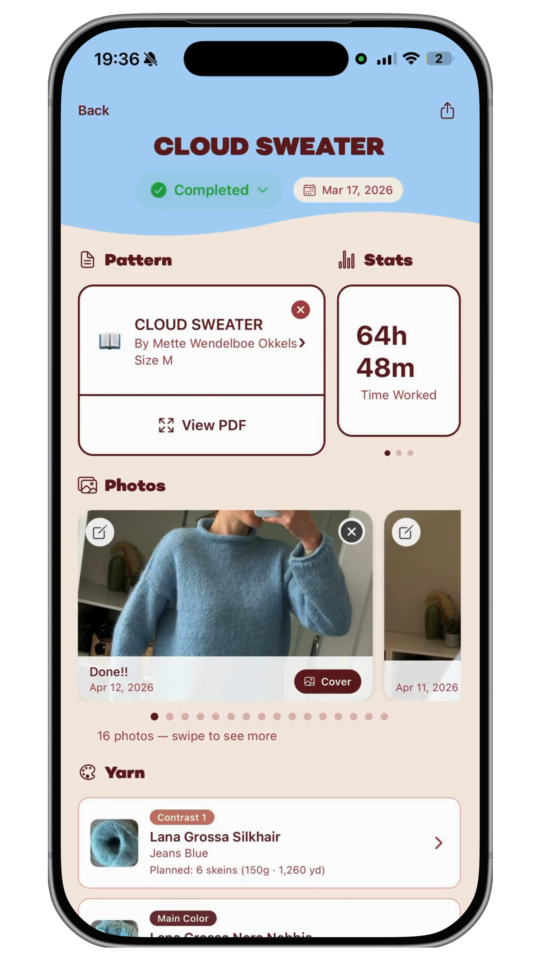
Automatically track every session to see how much time each project really takes. Get a clear picture of your crafting over time — and finally know exactly how long that sweater took to finish.
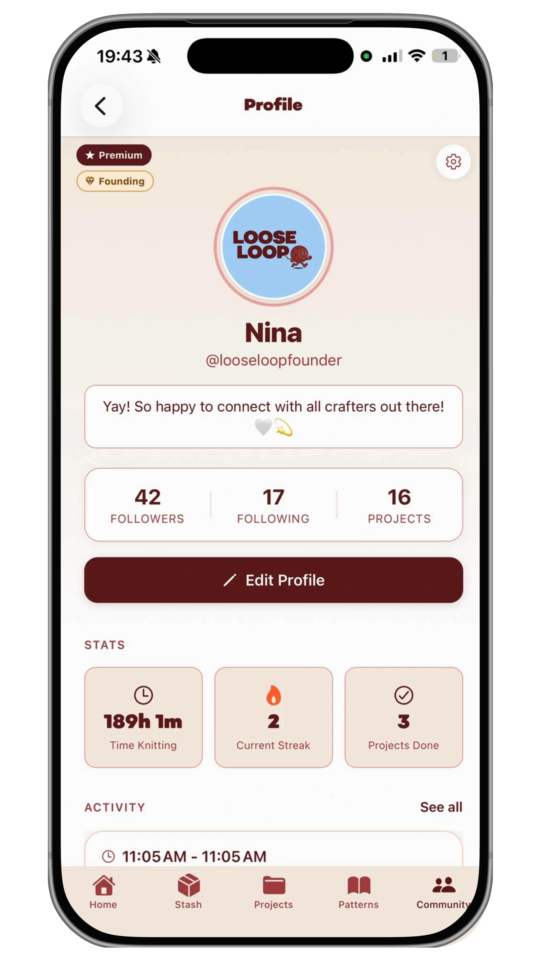
Follow your friends to see their latest projects, progress, and finished makes. Post your own updates, cheer each other on, and stay inspired by a whole community of crafters.
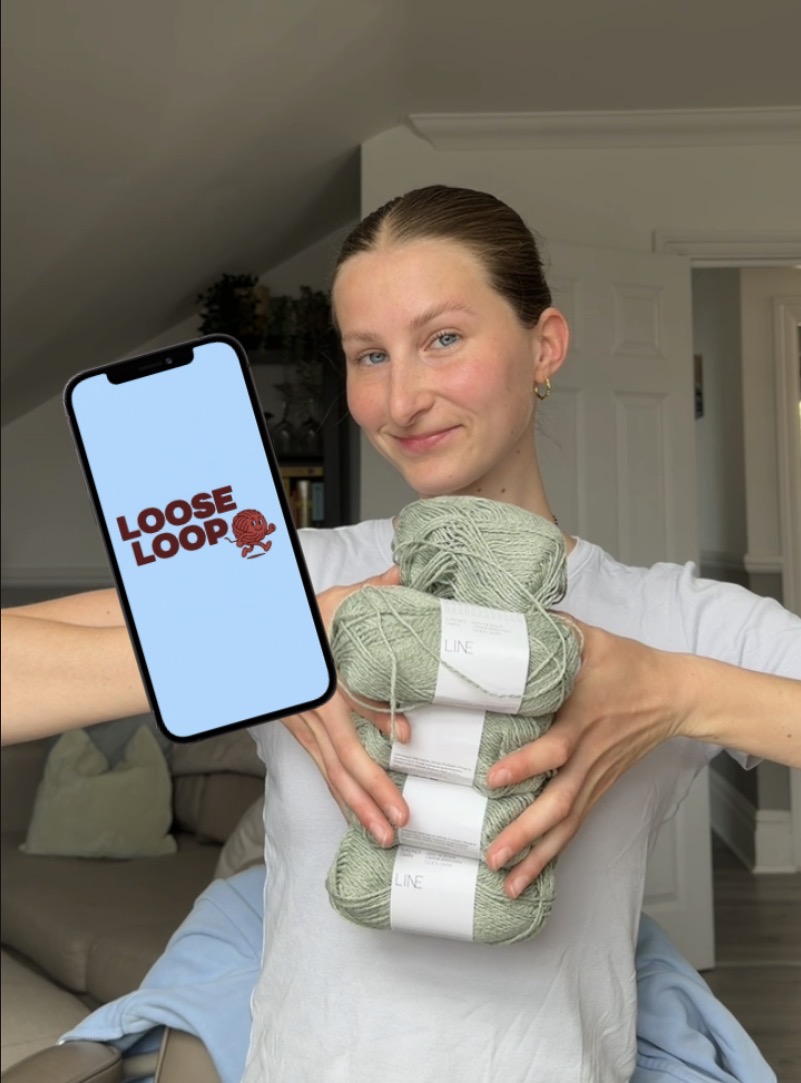
I started knitting in November 2025, and what began as a hobby quickly became something I loved. After days spent mostly on screens, there was something calming and deeply satisfying about making things by hand.
But the deeper I got, the more I hit the same wall: the craft was wonderful, the tools around it weren't. Tracking projects, following patterns, finding inspiration, connecting with other makers — all of it felt harder than it should be.
That frustration became LooseLoop.
I posted a TikTok about the idea and it went viral. We built a Discord community, talked directly to knitters, crocheters and crafters, and gathered hundreds of pain points and feature requests. Then we spent a month building the first version of the app.
By our launch at the end of December, over 4,000 crafters had joined the waitlist, and thousands downloaded on the first night. A few months later, that's grown past 50,000. Turns out I wasn't the only one waiting for this.
But the numbers were never the point. What I care about is the person curling up on the sofa after a long day, the beginner casting on for the first time, the maker who's been at it for years and still feels that spark when a project comes together.
LooseLoop exists to make the tools around this craft as joyful as the craft itself — so you spend less time fighting with apps and more time making. Everything we build is shaped by you, the community who got us here.
So whether you knit, crochet, or you're just curious: welcome. We're glad you're here.
— Nina
FAQs
LooseLoop is a knitting and crochet companion app that keeps your whole crafting life in one calm, clutter-free place. Track projects, count rows, store and organise your patterns, and catalogue your yarn, needles and hooks - all in one app, with no ads.
It is designed by crafters, for crafters, and is home to a community of 50,000+ knitters and crocheters.
LooseLoop is available for iPhone and iPad (iOS 15.1 or later) and for Android via Google Play.
Yes - LooseLoop is available on Android via Google Play, as well as on iPhone and iPad. You can use the same account across platforms.
Yes - LooseLoop is free to download and use. There is also an optional subscription that unlocks the more advanced tools, with a 7-day free trial so you can try everything before deciding.
1. Download LooseLoop free from the Apple App Store or Google Play.
2. Open the app and create your account or sign in.
3. Start crafting.
Yes. LooseLoop includes an Offline Mode so you can keep counting rows and working through your projects without an internet connection - handy on trains, planes and anywhere the signal drops.
The Smart Pattern Parser needs a connection to process a new pattern.
Yes - you can try Premium free for 7 days. You won’t be charged until the trial ends, and you can cancel any time before then.
Your subscription is billed by Apple or Google, so it is managed in your device store settings rather than inside LooseLoop.
On iPhone/iPad: Open Settings -> tap your name -> Subscriptions -> LooseLoop -> Cancel Subscription or change plan.
On Android: Open the Google Play Store -> tap your profile -> Payments & subscriptions -> Subscriptions -> LooseLoop -> Cancel.
Cancelling stops future charges; you keep Premium until the end of the period you have already paid for. If you cancel during the 7-day free trial, you won’t be charged at all.
Sign in with the same Apple ID you used to subscribe, open LooseLoop, and use the Restore Purchases option in the app settings or paywall. Your Premium access will be reactivated.
Subscriptions are processed by Apple, so refund requests are handled through Apple rather than directly by us. Visit reportaproblem.apple.com, sign in, find your LooseLoop purchase and request a refund.
On Android, subscriptions are billed through Google Play, so manage and request refunds there: play.google.com/store/account/subscriptions.
Open LooseLoop, go to settings or the membership/paywall screen, and enter your code where prompted.
No - your Premium access is tied to your account, so sign in with the same account on each device and it carries over.
Open the Project Library and create a new project for anything you are planning, making, or have finished. Your dashboard shows what is on the needles, what is queued, and what is complete, so you can pick up exactly where you left off - even months later.
Go to the Pattern Library and import your pattern PDF, for example from Files, iCloud, or wherever you saved it. Patterns are stored and organised in one place, and you can view them side-by-side with your row counter using the PDF Pattern Viewer.
If a PDF is too large to upload, see the troubleshooting question about compressing large PDFs.
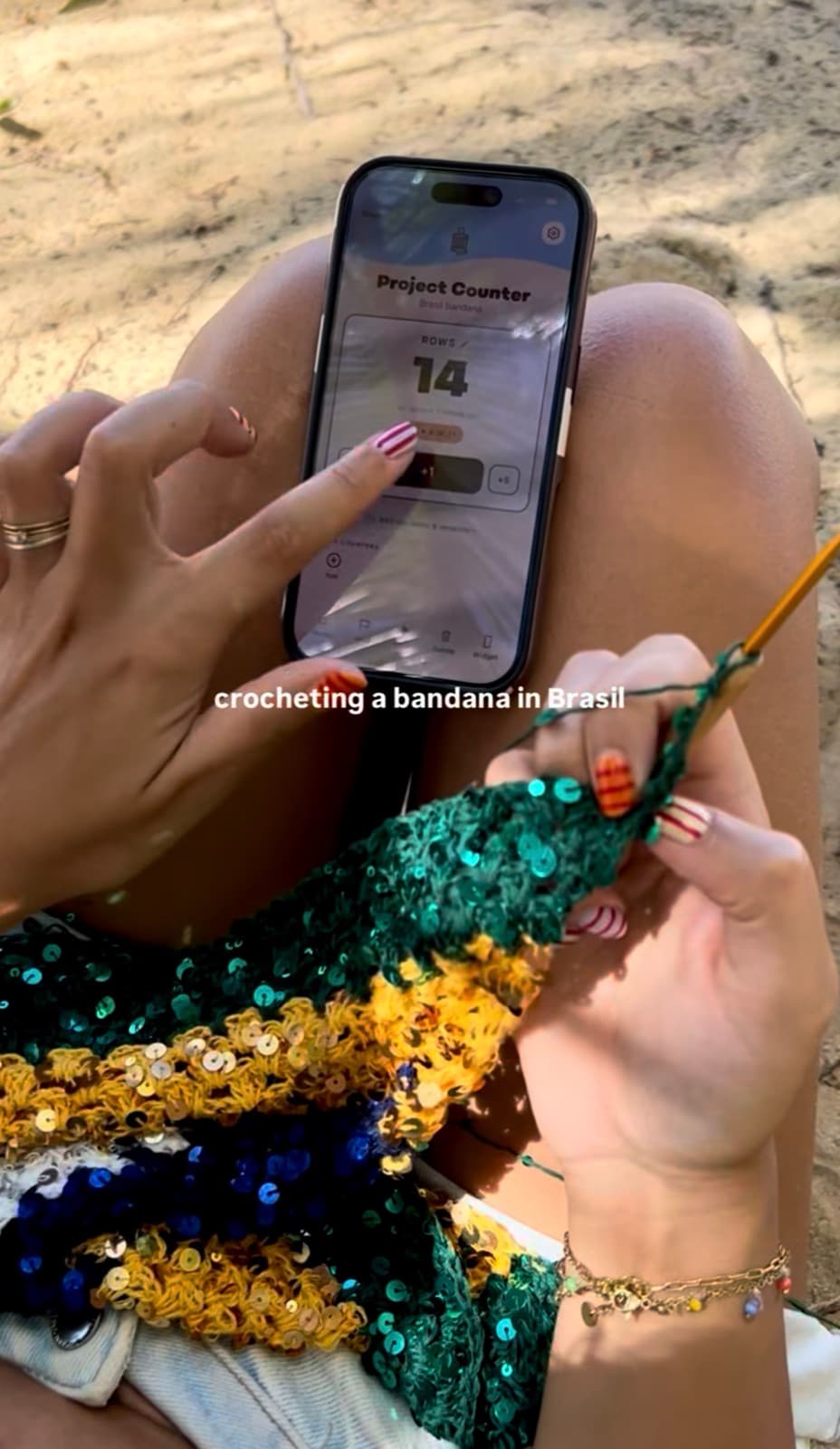
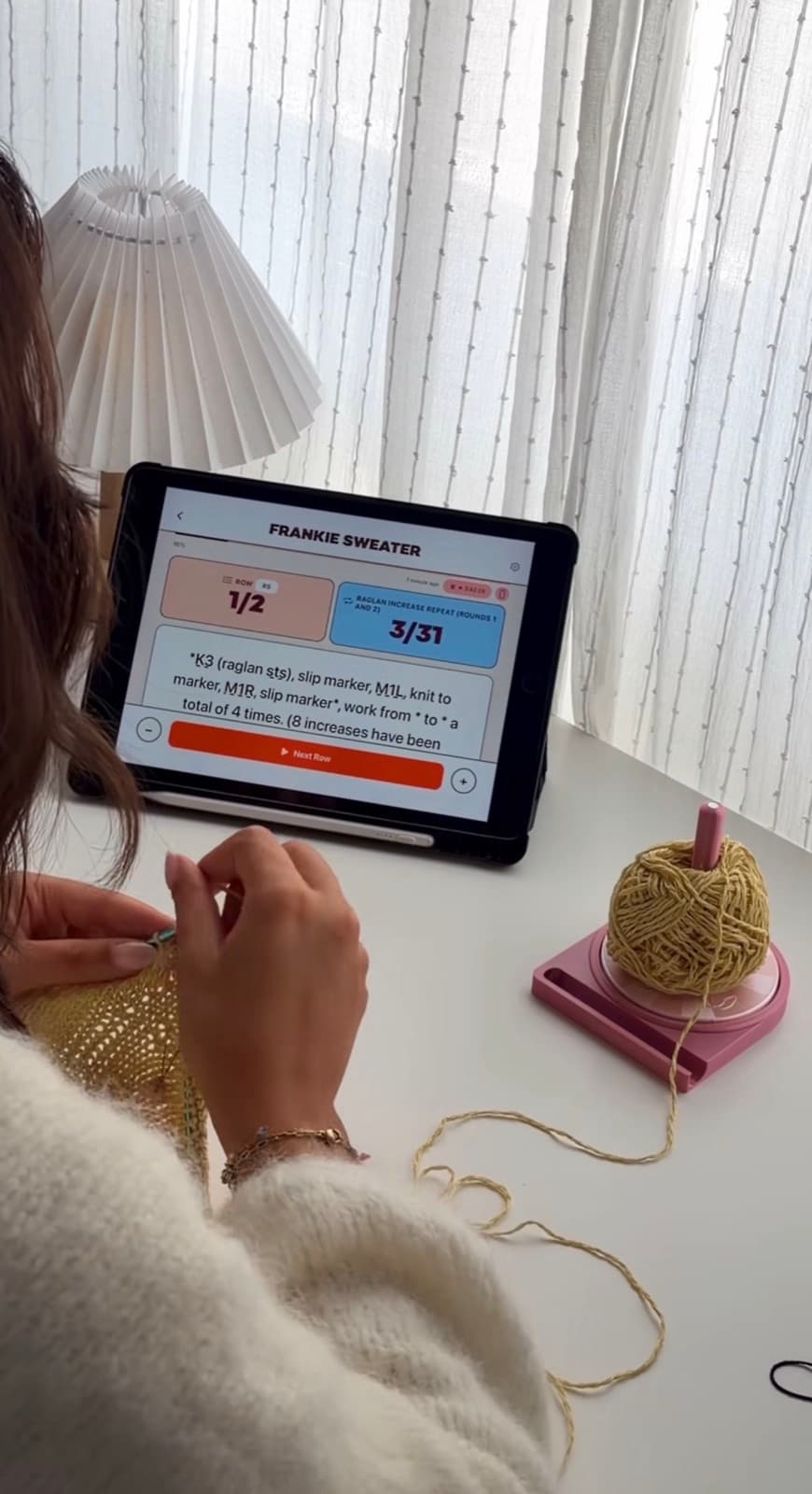
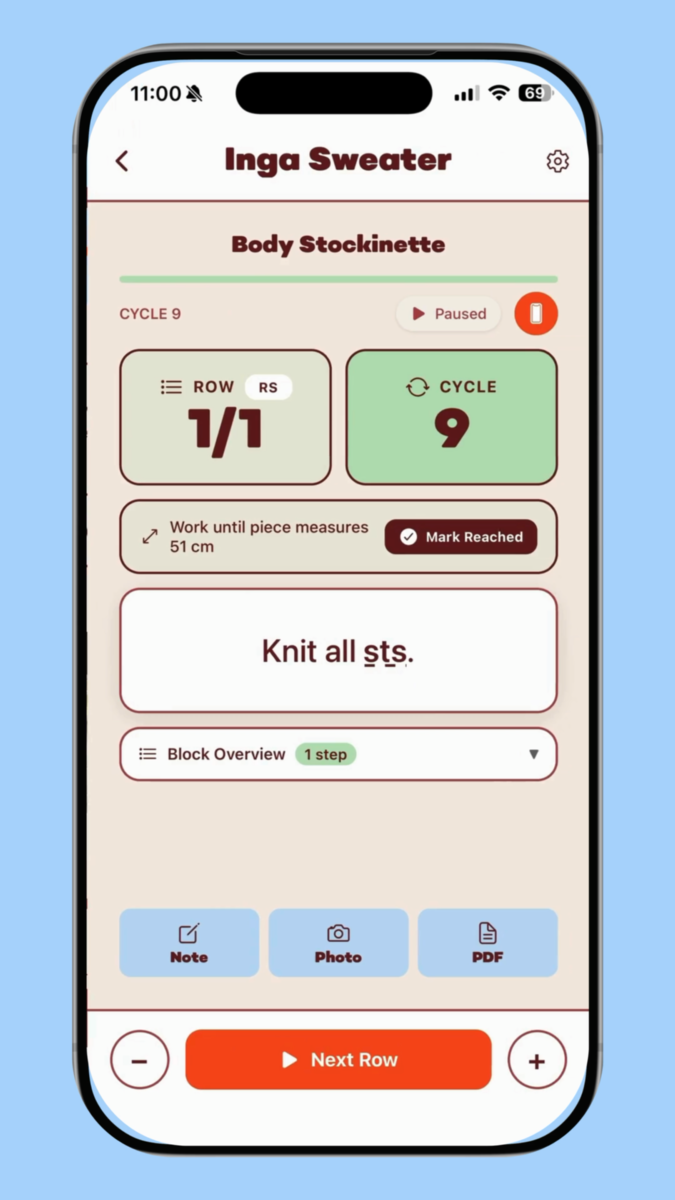
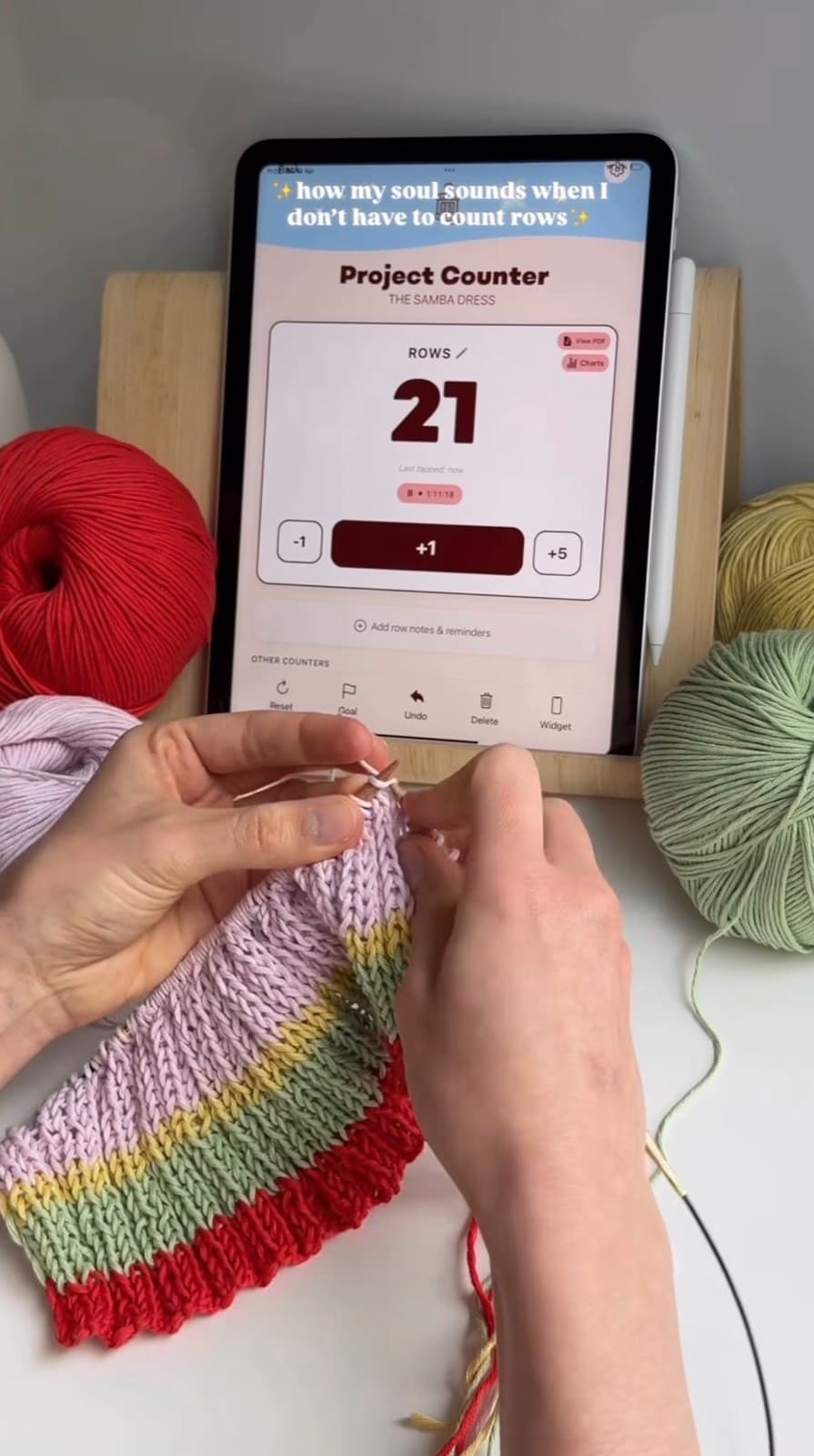
Each project can have a row counter with undo, a target/goal, and reset. Tap to count up, use undo to correct a misclick, and set a goal so the app tells you when you have hit your row count.
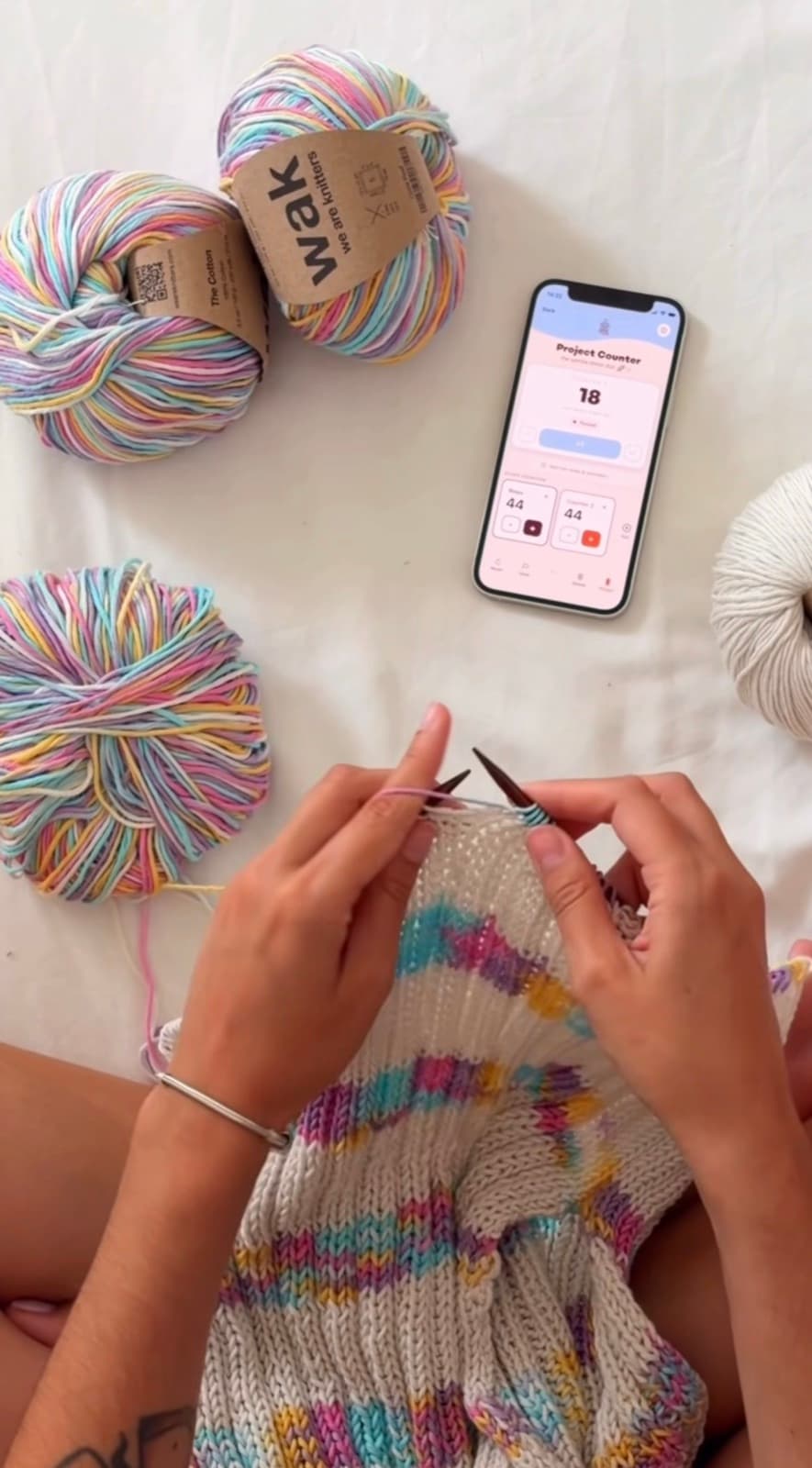
Need a quick counter with no project attached? Use the Standalone Counter. You can also run multiple row counters at once - ideal for sleeves, repeats and cables - and add row counter notes that pop up on specific rows.
LooseLoop Live Activity shows your current row on the Lock Screen and in the Dynamic Island, so you can glance at your count without unlocking your phone. Start a counter in a project, then keep the Live Activity enabled when prompted.
Knitting Mode walks you through a pattern step-by-step, advancing one instruction at a time so you always know exactly where you are. It pairs well with row counter notes for complex patterns.
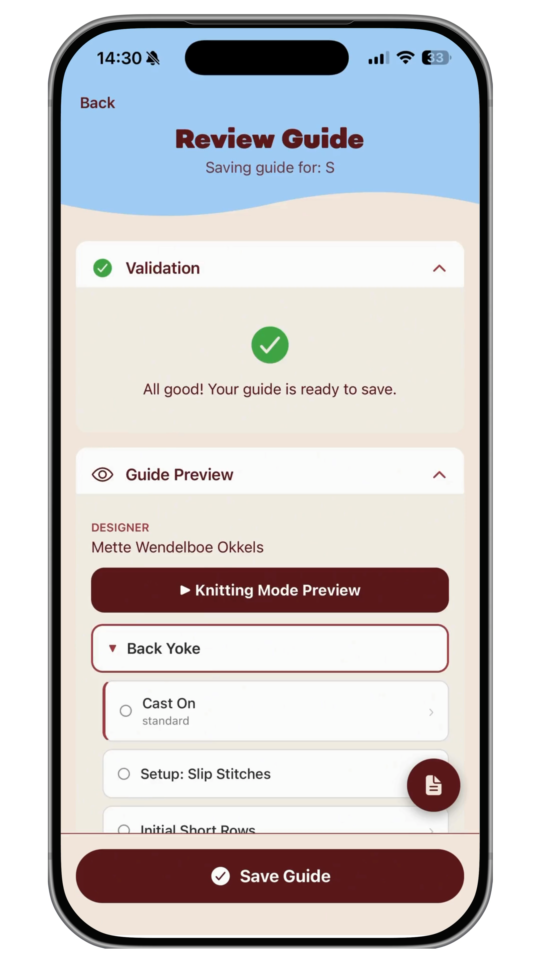
To create a smart pattern guide, upload a pattern PDF into the app, press Start Project, select your size, use the Smart Pattern Parser tool, and choose the selected PDF.
Wait 4-5 minutes for the guide to be built, then review and save the guide.
Once saved, press Start Project on that pattern and select the size you made a guide for. Add any additional details if needed, then press Create Project.
Charts live inside pattern guides. To use them, build a pattern guide for your project and add a chart within it. Then you can follow colourwork and stitch charts on screen and keep your place as you go, instead of squinting at a paper grid.
If you went looking for Charts as a separate menu item and couldn’t find them, this is why - they are part of the pattern guide.
Manual Pattern Guides let you build your own step-by-step guide from a pattern. Enter the steps once and then tap through them as you knit or crochet. This is the fully hands-on alternative to the Smart Pattern Parser.
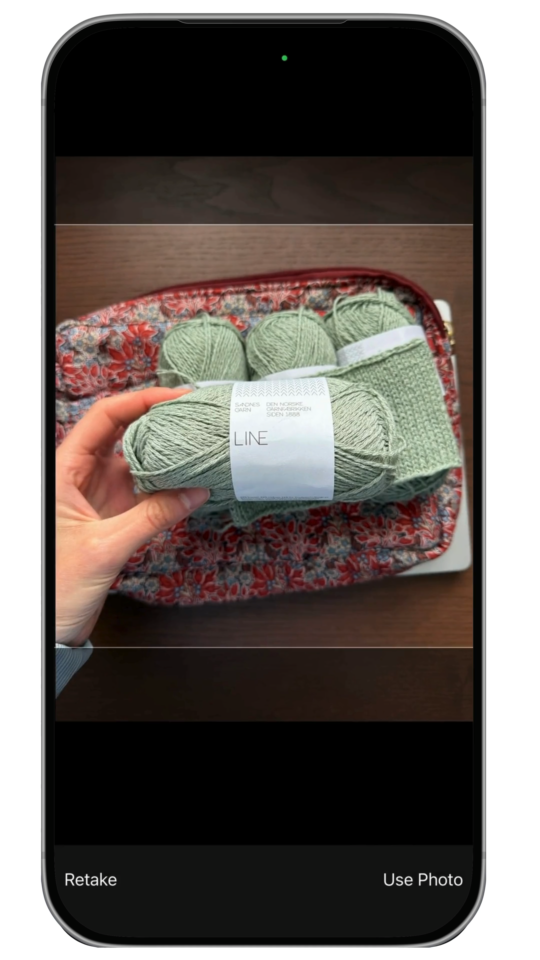
Use the Yarn Stash to log your yarns by colour, weight and yardage, and the Tool Stash to record every needle and hook you own - so you never buy a duplicate.
The app can check whether you have enough yarn for your next project and which needle sizes you already have. With Yarn Usage Tracking you can also see how much yarn each project consumed.
You can follow other crafters, like their projects and explore profiles for inspiration. You can also share beautiful cards of your project stats and your latest yarn haul straight to Instagram and other social apps.
LooseLoop has a referral programme so you can invite friends to the app and earn 5 credits once they have subscribed.
Only one feature in the whole app uses AI: the Smart Pattern Parser. It simply breaks a pattern you already own or have purchased into easy, step-by-step instructions.
No AI training is ever done on your patterns. No data is sent back to any models. Your uploaded patterns and pattern guides are fully private and available only to you.
It reads the text of a pattern you upload and reformats those instructions into sequential, tappable steps that are easier to follow while your hands are busy.
Think of it as re-typesetting your own pattern into a guided format. It doesn’t invent or generate new patterns.
Creating a smart guide from a pattern uses a credit. On a subscription you receive 5 credits each month, which refresh monthly.
If a parse comes out wrong, for example the wrong size, email us and we will refund the credit straight away.
Only upload patterns you legitimately own - ones you have bought, been given the right to use, or created yourself. The Smart Pattern Parser is for your personal use in following your own patterns.
Please don’t upload patterns you don’t have the rights to, or share generated guides in ways that breach a designer’s copyright.
The Smart Pattern Parser is still in beta, so it won’t be perfect on every pattern - especially complex charts, unusual layouts, or scanned patterns. Always keep your original pattern handy and double-check the steps against it.
If a guide comes out wrong you can re-parse it, and if it cost you a credit, email us and we will refund it and use the example to keep improving the tool.
Absolutely. Every AI feature is optional. You can store and read your patterns in the PDF Pattern Viewer, and build guides yourself with Manual Pattern Guides, without ever using the Smart Pattern Parser.
The row counters, stash tools and project tracking do not rely on AI.
Designers built this craft and this community, and protecting your work is a core value for us. Crafters are asked to upload only patterns they own, those patterns stay in each user’s private library, and they are never used to train AI models or shared with anyone.
We will never use AI to replicate, replace, or profit off a designer’s work. The Smart Pattern Parser only breaks down a pattern its owner has already bought; it doesn’t generate new patterns or share data.
Yes. LooseLoop has its own designer marketplace, and we charge 0% fees - so you keep 100% of your revenue, unlike platforms such as Ravelry or Etsy.
Just sign into the LooseLoop website and press Become a designer to start selling.
No. The Smart Pattern Parser reformats a pattern into step-by-step guidance for the individual who uploaded it. It is not a tool for redistributing or reselling patterns, and guides stay private to that user’s library.
We love working with the design community - including collaborations, sponsorships, and support such as funding and goodie bags for events.
The quickest way to reach us is by email at help@thelooseloop.com or via a DM to @thelooseloop on Instagram.
The Smart Pattern Parser needs a few things to work smoothly. If a guide won’t load, try these in order:
1. Check your internet connection - the Smart Pattern Parser needs to be online to process a new pattern.
2. Make sure the file is a genuine PDF, not a photo, screenshot, or password-protected file.
3. Check the file size - very large PDFs can time out. Compress it first.
4. Close and reopen the app, then re-run the Smart Pattern Parser on the pattern.
5. Update to the latest version of LooseLoop from the App Store or Google Play.
Remember the Smart Pattern Parser is in beta, so some complex or scanned patterns may not convert cleanly. If it still won’t load, email us at help@thelooseloop.com with the pattern and we will take a look.
Large PDFs, often scanned patterns or image-heavy ones, can be slow to upload or process. There are a few easy ways to shrink a PDF.
On a Mac with Preview: open the PDF in Preview -> File -> Export -> set Quartz Filter to Reduce File Size -> Save.
On iPhone/iPad: open the PDF in the Files app, or use a free PDF-compressor app from the App Store, to export a smaller copy. You can also re-save just the pages you need.
If you only need certain pages of a large booklet, save just those pages and upload that smaller file.
Free websites can compress PDFs, but for paid or copyrighted patterns, prefer an on-device method so your pattern is not uploaded to a third party.
Check that the file is a standard, unlocked PDF. Password-protected PDFs, scanned image-only PDFs, and files in other formats may not import or parse correctly.
Remove any password, convert images to a proper PDF if needed, and try again. If it still fails, send us the file and we will help.
1. Make sure your subscription or trial is active, as Live Activity is part of the subscription.
2. In your iPhone Settings, make sure Live Activities are allowed for LooseLoop.
3. Start or resume a counter inside a project, then keep the Live Activity running when prompted.
4. Restart your phone if it still does not appear.
Make sure you are signed in with the same account on both devices and connected to the internet, then reopen the app to let it sync.
If something is still missing, contact us before making changes so we can help recover it.
1. Update to the latest version in the App Store or Google Play.
2. Close the app fully and reopen it.
3. Restart your device.
4. Make sure your iPhone/iPad is on iOS 15.1 or later.
If it keeps happening, email help@thelooseloop.com and tell us your device model and iOS version so we can investigate.
This is almost always fixed in one of two ways. Try them in this order:
1. Update LooseLoop to the latest version in the App Store or Google Play, then reopen it. Most missing project and error on projects reports clear up straight after an update.
2. If it is still missing, sign out of the app and sign back in to refresh your account. Your patterns and projects are stored on your account, so this brings them back rather than losing anything.
If it still doesn’t appear, email help@thelooseloop.com with a screenshot and we will help recover it.
First, make sure you are on the latest version of the app, as this is usually an update fix.
If your place still is not saving when you leave and return, sign out and back in, and get in touch so we can look into it for your specific pattern.
When you create a smart guide, make sure the correct size is selected for your pattern. If the guide comes out in the wrong size, simply re-parse the pattern and choose your size.
If re-parsing used up a credit, email us - we will refund the credit right away. As always while the Smart Pattern Parser is in beta, keep your original pattern to hand and double-check the steps.
Check Draft Recovery - LooseLoop saves in-progress pattern guides so you can resume them. If you can’t find your draft, get in touch and we will do our best to help.
Make sure you are using the same sign-in method you originally registered with, and that you are online.
As listed on the App Store, LooseLoop may collect the following, linked to your account: purchases, contact info, user content such as your patterns and projects, identifiers, usage data and diagnostics.
Exact data handling can vary based on the features you use.
No. We do not share or sell your data to third parties.
Delete your account from your app settings page.
Our privacy policy is linked on our App Store page and website.
Email: help@thelooseloop.com
Instagram: @thelooseloop. DMs are welcome.
Website: thelooseloop.com
We love hearing from crafters. Email us at hello@thelooseloop.com with a short description, your device model and iOS version, and a screenshot if you can.
Feature ideas are always welcome too - a lot of LooseLoop has been shaped by community requests.
Download the app or browse the pattern marketplace from the web.